What Does a Business Website Need to Build Trust and Generate Leads?
A website can look visually appealing and still fail to generate leads if visitors cannot understand what the business offers, find credible proof of expertise, or figure out how to get in touch. When that happens, ad spend and traffic-building efforts fall short of delivering enough consultation requests.
Prepared by: Apollo Vietnam Tech Dev JSC · Updated:
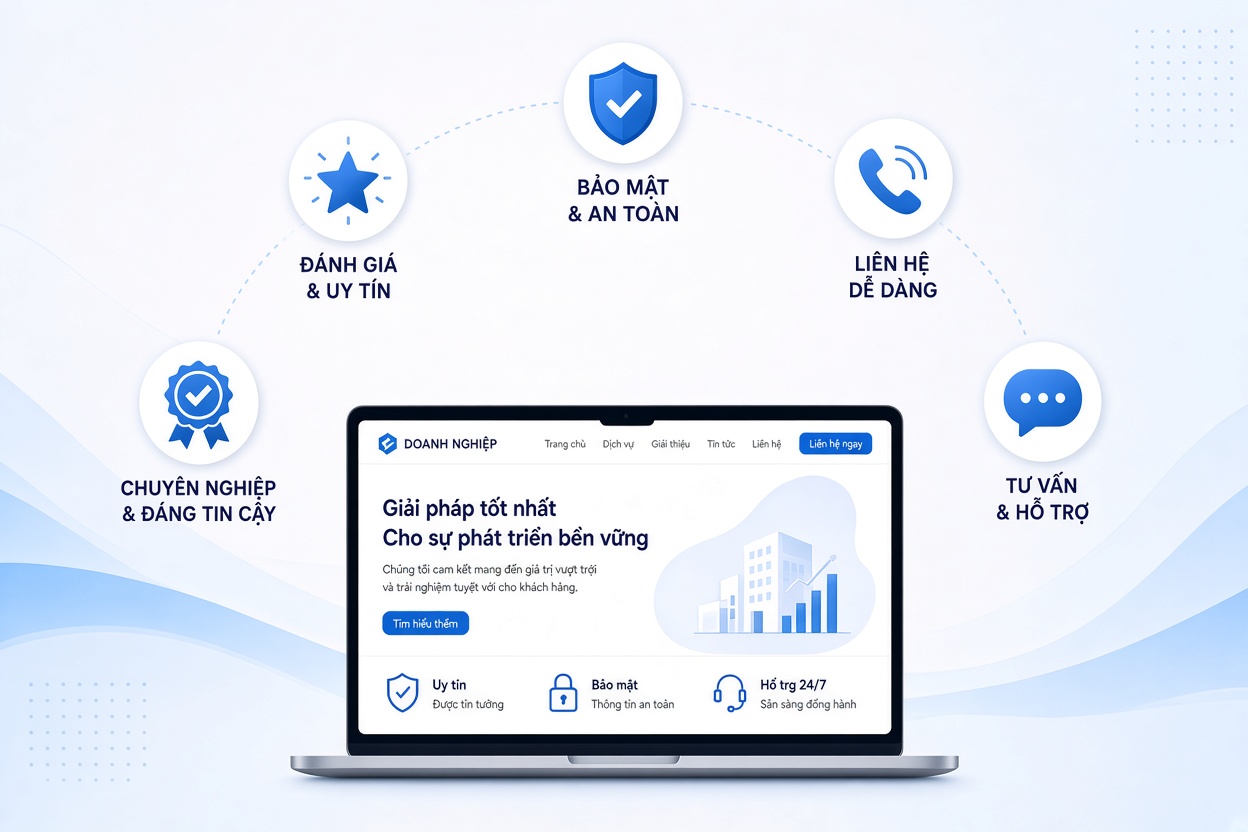
The solution goes beyond a visual redesign. Businesses need a website built around customer needs: clear information, seamless user experience, helpful content, and well-timed calls to action. This is also the foundation of SEO-friendly web design capable of supporting long-term business growth.
Why Do Some Websites Get Traffic but Few Leads?
Users decide quickly whether a website is trustworthy and relevant to their needs. If the homepage is vague, service pages lack substance, the mobile experience is frustrating, or the contact form is overly complicated, visitors will leave before exploring further.
Common pitfalls include:
- Unclear value proposition: Visitors cannot tell who the business serves or what problems it solves.
- Lack of proof: Missing case studies, work processes, company credentials, or answers to common questions.
- Poor mobile usability: Hard-to-read text, tiny buttons, and content overflowing the screen.
- No clear next step: Visitors do not know whether to call, submit an inquiry, or book a meeting.
- Slow page speeds: Users are forced to wait before seeing the main content.
Google has cited research showing that 53% of mobile site visits are abandoned if a page takes longer than 3 seconds to load. While this figure comes from Google’s mobile speed benchmarks, actual performance for any given website still depends on devices, network conditions, traffic sources, and page content. (thinkwithgoogle.com)
8 Elements That Help a Business Website Build Trust and Drive Inquiries
1. A Homepage That Clearly States What You Do
Above the fold, quickly answer three questions:
- What products or services do you offer?
- Who is your target audience?
- What should the visitor do next?
Avoid generic slogans that fail to explain specific benefits. For instance, instead of simply writing "Comprehensive solutions for businesses," clearly state your core services, target clients, and the realistic outcomes they can expect—within the scope your company can substantiate.
2. Service Content That Answers What Buyers Need to Know
Each core service should have a dedicated page providing enough detail for readers to evaluate whether you are the right fit:
- Scope of work and deliverables
- Collaboration workflow
- Estimated timelines or factors affecting turnaround
- What the client needs to prepare
- Frequently Asked Questions (FAQs)
- How to request a consultation or quote
The more specific the content, the easier it is for prospects to understand what they will receive. This also helps your website capture search queries closely aligned with purchasing intent.
3. Specific and Verifiable Proof of Capability
To strengthen credibility, present factual, verifiable details such as:
- Completed projects: Outline the challenge, scope of work, and implemented solution.
- Domain expertise: Highlight your team, industry focus, or quality assurance processes.
- Client testimonials: Only publish feedback with explicit permission from the client.
- Company information: Legal business name, physical address, email, phone number, and official communication channels.
If you publish performance metrics, clearly state the source, measurement period, and calculation method. Never frame illustrative examples as guaranteed results for every client.
4. Mobile-Friendly Design
A mobile-responsive website must be engineered for effortless interaction on smaller screens:
- Legible typography that requires no zooming.
- Clear, easily tappable buttons.
- Clean navigation menus that do not obstruct content.
- Short forms asking only for essential details.
- Images and layouts free of horizontal scrolling.
Test critical pages across multiple screen sizes—especially your homepage, service pages, product pages, and contact page.
5. Measurable Page Speed and User Experience
Site speed should never be judged solely by how fast it feels on an administrator’s desktop computer. You must evaluate mobile devices, varying network conditions, and real-world user experiences.
Google recommends tracking three Core Web Vitals: LCP (Largest Contentful Paint) measures loading performance of main content; INP (Interaction to Next Paint) assesses responsiveness to user interactions; and CLS (Cumulative Layout Shift) measures unexpected visual shifts. The "Good" thresholds are an LCP of 2.5 seconds or less, an INP of 200 milliseconds or less, and a CLS of 0.1 or less, measured at the 75th percentile. These serve as user experience benchmarks rather than guaranteed search ranking factors. (web.dev)
Practical steps to improve speed include:
- Compressing images and serving properly sized files.
- Minimizing unnecessary scripts, animations, and plugins.
- Optimizing caching and server configurations.
- Auditing third-party scripts.
- Re-testing performance after every update.
6. Clear CTAs Placed at the Right Moments
A Call to Action (CTA) invites visitors to take the next step. Depending on the page's goal, effective CTAs include:
- Call for a consultation
- Request a quote
- Book a discovery call
- Download a guide
- View related projects
Place CTAs close to relevant context—such as right after outlining benefits, explaining your process, or showcasing a case study. Avoid crowding a single screen with too many competing buttons, which can cause decision fatigue.
7. Short, Guided Contact Forms
Forms should ask for just enough information to start a conversation—typically a name, contact details, and a brief note on what they need. If additional data is required, explain why or collect it later in the process.
Once a form is submitted, the website should display a confirmation message and outline the next steps so the user knows their inquiry has been received.
8. Reader-First Site Architecture and SEO
Effective SEO starts with helping both human readers and search engines understand the purpose of every page. A solid foundation includes:
- Logical site structure: Every page has a single, clear objective.
- Accurate titles and meta descriptions: Clearly communicate what question the page answers.
- Clean, readable URLs: Reflect the topic of the page.
- Helpful internal linking: Guide readers from blog posts to relevant services, case studies, or contact pages.
- Original, helpful, and reliable content: Address real user needs rather than stuffing keywords.
Google advises creating people-first, helpful, and trustworthy content; SEO should help users discover relevant information rather than act as a substitute for content quality. (developers.google.com)
Example: Auditing a Service Page Before Redesigning
Suppose an existing service page contains only a short introductory paragraph, a stock photo, and a phone number at the bottom. A business can audit the page in the following order:
- Messaging: Can visitors tell who the service is for and what problem it solves?
- Information: Does the page cover scope, workflow, and FAQs?
- Proof: Are there relevant case studies or credentials to build confidence?
- Mobile UX: Can users easily read, tap to call, or submit an inquiry on a phone?
- Performance: Are there loading bottlenecks or Core Web Vitals issues to resolve?
- Tracking: Does the business know which pages drive CTA clicks, phone calls, or form submissions?
Note: This is an illustrative audit framework rather than the measured outcome of a specific project. Determining whether to prioritize content, design, or technical fixes first requires inspecting the live website and actual traffic data.
Web Development Should Align With Business Goals
At Apollo Tech, building a website starts with clarifying business objectives, target audiences, and core messaging before defining site architecture, functionality, UI design, and implementation plans.
A structured workflow typically includes:
- Gathering business requirements and goals.
- Analyzing target audiences and content needs.
- Mapping out site structure and agreeing on functional scope.
- Designing the interface and developing the website.
- Testing display responsiveness, functionality, and in-scope technical SEO elements.
- Handing over the site and providing CMS training.
This approach treats the website as a sales and communication asset rather than a mere visual skin. Exact scope, technology stack, and pricing are tailored to the specific requirements of each project.
Conclusion: An Effective Website Must Be Trustworthy, Usable, and Purpose-Driven
A business website generates real opportunities when visitors quickly grasp your services, find credible proof, navigate effortlessly on mobile devices, and know exactly how to reach out. Content, user experience, speed, and SEO must work together as one cohesive system.
If your business is considering an SEO-friendly website design or upgrading an existing site, send your website URL and improvement goals to Apollo Tech to discuss and receive a tailored scope consultation. Contact Apollo Tech today to request a consultation or quote. (Note: Only include a "Free Website Audit" offer if this promotion has been officially approved by the company.)